Queue Number System for a Clinic or Shop in Malaysia: Show Now Serving on Any TV
How to run a queue number system on a TV you already own: what it costs in RM, how staff call the next number from a phone, and what it cannot do.
Your counter staff shout "Number 24!" across the room, half the room looks up, and two people walk over to ask if they were skipped. A queue number system fixes that, and you may not need a ticket machine to get one.
Direct answer: a queue number system needs three things: a number each customer holds, a screen showing the number being served, and a button for staff to call the next one.
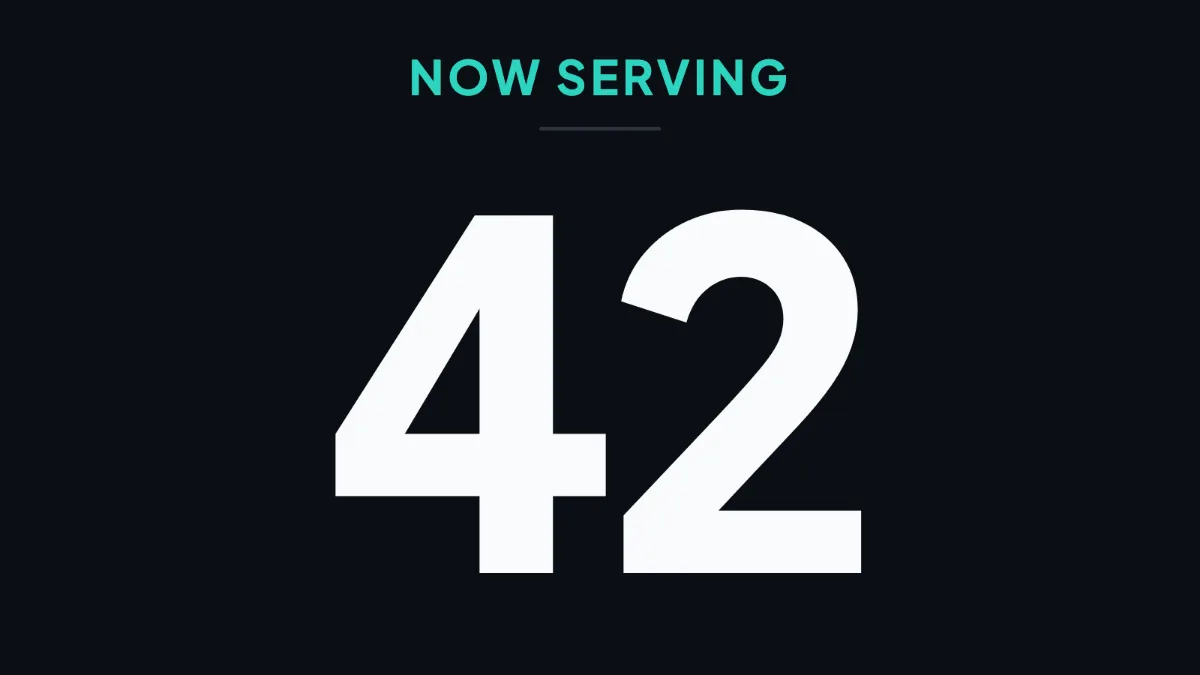
With Layar Queue, the screen is any TV and the button is a link on a staff phone. The now serving number, the staff link and the customer link work on every Layar plan, including the one screen plan at RM0. Layar does not print tickets, so you still hand out the numbers.
Three ways to run a queue, compared
| Way | What you pay | What customers see | The catch |
|---|---|---|---|
| Paper numbers and calling out | A number roll or a set of numbered cards | Nothing. They listen for their number | Missed calls, repeat questions at the counter, and a noisy room |
| Ticket machine with an LED number display | Hardware from a queue system seller. Ask the supplier for a quote, and ask what ticket paper and repairs cost | A printed ticket and a number on the LED display | The display shows a number and nothing else. Check with the seller how you change the layout later |
| Queue app on a TV (Layar Queue) | RM0 a month for the number on one screen. RM29 per screen a month on Starter if you want the number beside your adverts | A big number on the TV, and the same queue on their own phone | No ticket printer. You hand out the numbers yourself, and the TV needs a player device and internet |
If you need a machine that prints a ticket for every walk in, the hardware route is the right one. If a number roll or the order number on your receipt is enough, a TV does the rest.
What you need
- A TV. The one already on your wall is fine. Landscape or portrait both work.
- A player device. An Android box or a Windows mini PC plugged into the TV. Our player comparison has the RM costs.
- Numbers to hand out. A paper number roll, numbered cards, or the order number your receipt already prints.
- A phone at the counter. Any phone with a browser.
Set it up, step by step
- Connect the TV. Install the Layar player on the box, and pair it with the code on the screen. The TV setup guide covers this part.
- Create the number. On the Queue page in your dashboard, add a now serving number. You can pick a style such as A007, and a ding dong or single chime for each new call.
- Put it on the screen. Add the number to a playlist from the same page and publish it.
- Give staff the link. Each counter gets a link with a QR code. Staff open it on their phone and tap Next. They do not need a Layar login.
- Show customers the QR code. Print the customer link and stick it by the counter, so people can follow the queue on their phone.
When staff tap Next, the TV follows in a few seconds. Staff can also go Back, set a number, reset to 0, or call the same number again. Call again makes the screen flash and chime.
For a clinic waiting room
A clinic usually has more than one room. One slide can show two to eight counters or rooms, either with the latest call big and the room to go to, or as one row per room.
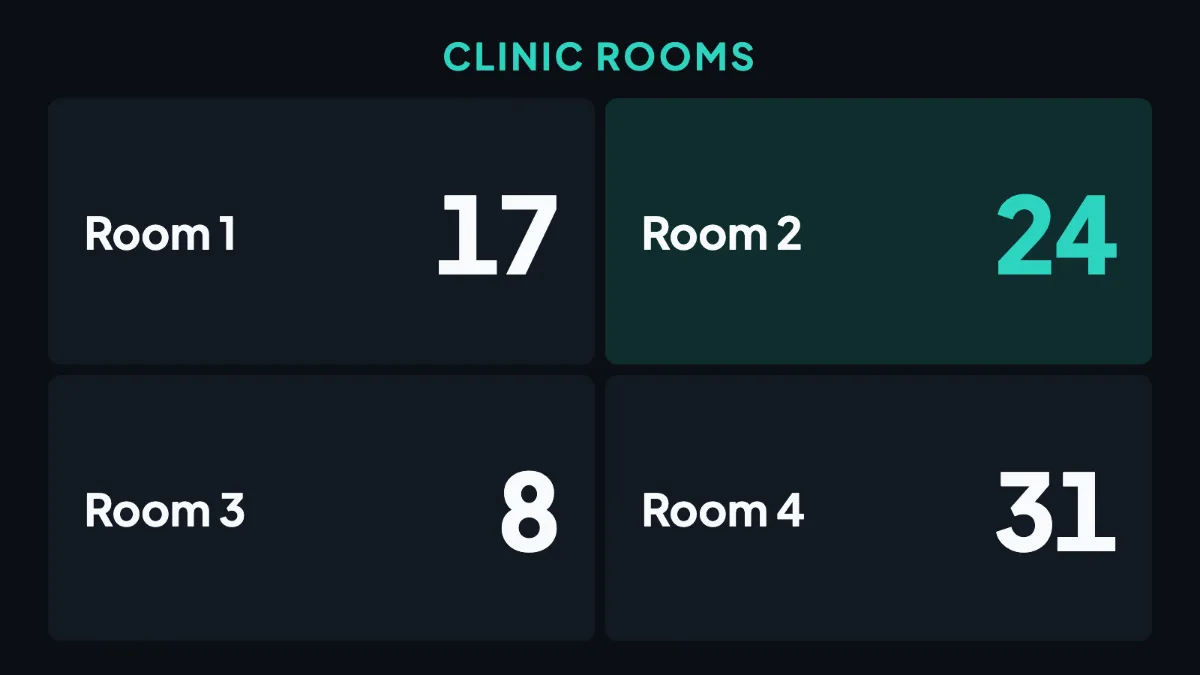
The screen shows numbers only. It holds no patient names, and it does not connect to your clinic software or patient records.
Patients who scan the customer link type their ticket number once. Their phone then shows how many people are ahead, and a rough wait such as "About 10 min". It buzzes when it is their turn.
Our clinic waiting room guide covers what else to show, and the clinic page has layouts and prices.
For a cafe or food stall: an order ready screen
A pickup counter needs a different screen. Several orders are ready at once, and people collect them in any order.
The order ready list shows up to 12 order numbers waiting for pickup, with the newest one standing out. Staff tap a number when it is collected. A number nobody taps leaves the screen after 15 minutes, or after a time you set from 1 to 240 minutes.
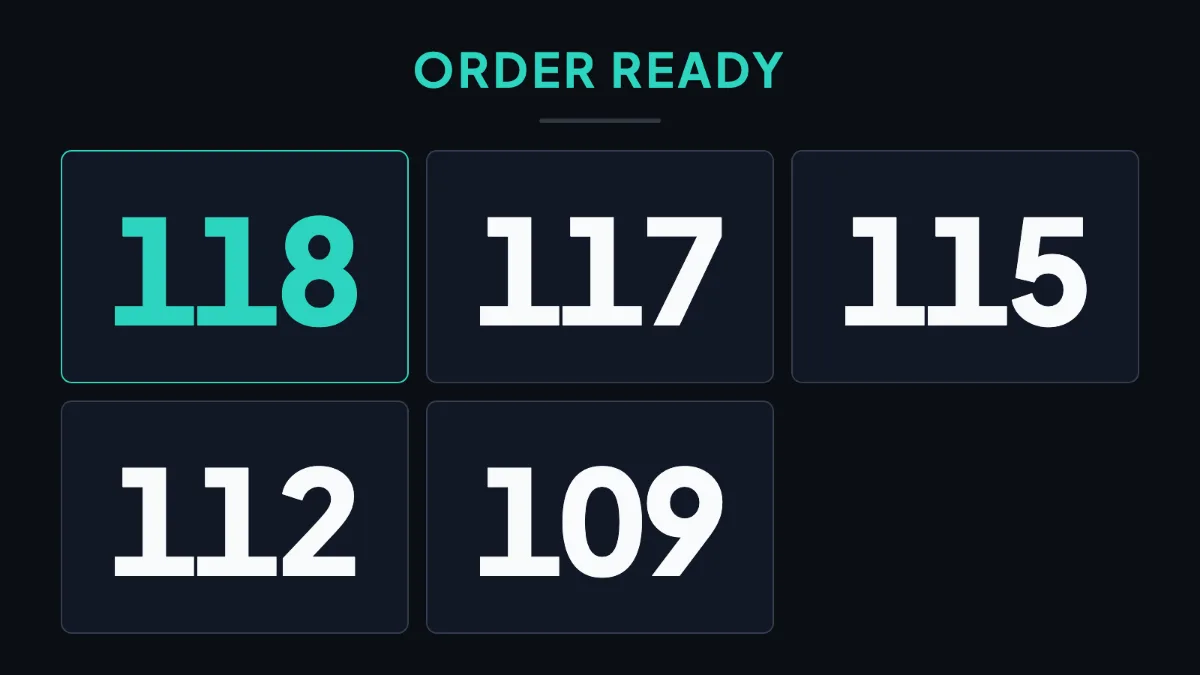
Use the order number your POS or receipt book already gives. Layar does not read orders from your POS, so staff type the number in when the food is ready.
For a service counter
A repair shop, a pharmacy counter or a small service centre usually wants one number and one line. The single now serving number covers that, and it shows the last few numbers called beside the current one.
If you also want your promotions on that TV, the number can sit in a strip beside your playlist, or along the bottom on a tall screen. That needs the Starter plan or Pro.
What each plan gives you
| Queue feature | Plan |
|---|---|
| Now serving number, order ready list, several counters on one slide | Every plan |
| Staff link and customer link | Every plan |
| Number beside your playlist | Starter and up |
| Customers follow their number on WhatsApp | Starter and up |
| Queue numbers in Analytics: calls by hour, busiest hour, time per customer | Pro |
Layar plans cost RM0 for one screen, RM19 a month flat for one screen on Solo, RM29 per screen a month on Starter, and RM59 per screen a month on Pro for the first 20 screens. The RM0 plan has a small watermark and a 10 second Layar slide on playback.
With WhatsApp, a customer sends their number once from the customer link and can walk away. They get a message when they are next and when it is their turn, three messages at most for each number.
The full list of queue features shows every one with its plan.
What it does not do
- It does not print tickets. There is no ticket printer and no ticket kiosk. You hand out numbers yourself.
- It does not connect to clinic software or a POS. Staff move the number by hand.
- It needs internet to move. If the internet drops, the TV keeps the last number on screen until the connection is back.
- The wait time is rough. It is worked out from how fast the counter is moving, so treat it as a guide.
- The customer page comes in two languages. English and Bahasa Melayu.
Common questions
Can I show a queue number on a normal TV?
Yes. Plug an Android box or a Windows mini PC into the TV, install the Layar player, and add a now serving number to your playlist.
Do I need a ticket machine for a queue number system?
Only if you want printed tickets. A number roll, numbered cards or receipt order numbers work with a TV display.
How much does a queue number system cost in Malaysia?
For a ticket machine and LED display, ask the supplier for a quote. With Layar Queue on your own TV, the now serving number is on every plan from RM0, and RM29 per screen a month on Starter adds the number beside your playlist.
Can staff call the next number without a computer?
Yes. They open the staff link on a phone and tap Next. No login is needed.
Can customers wait outside and still know their turn?
Yes. The customer link shows the queue on their phone on every plan. On Starter and Pro they can also follow their number on WhatsApp.
Does the queue screen show patient names?
No. It shows numbers only.
Not sure which screen fits your counter? WhatsApp us what your counter looks like and we will tell you which one to use.
Or put a queue number on your first screen and try it on a quiet morning. No card is needed.